Missing number
Pupils write the missing number in a sequence.
5, 6, , 8,
Choose the kind of question you want to ask, fill in a clear guided form, and watch the pupil page build beside you. TeachCraftAI handles the layout, school standard and final copies.
 TeachCraftAI
Every question type explains itself with an example before you add it. Search, browse by learning area, or return to a recently used format.
Numbers, language, pictures, shapes and general question formats are grouped naturally.
Only the controls needed for that question appear, with a useful example beside each choice.
The A4 preview updates as you work, including spacing, pictures, numbering and marks.
Pupils write the missing number in a sequence.
Pupils count objects and write the total.
Big, bigger and biggest with familiar objects.
Identify shapes, sides and corners.
New schools start with useful classroom pictures and simple black-outline drawings for colouring. Search by name, switch category, or enlarge the thumbnails—then use the same chooser anywhere a question accepts a picture.
These are unedited exports from TeachCraftAI—not marketing mock-ups.
Questions, headers, marks and answer keys stay together from editing through printing.
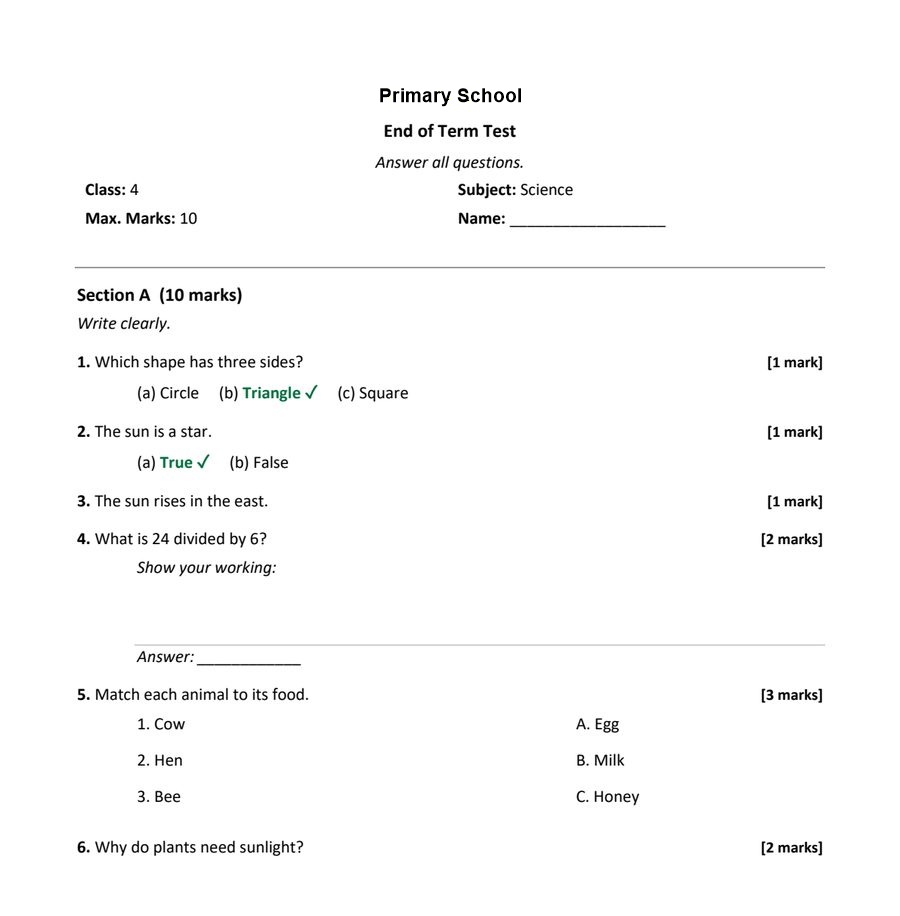
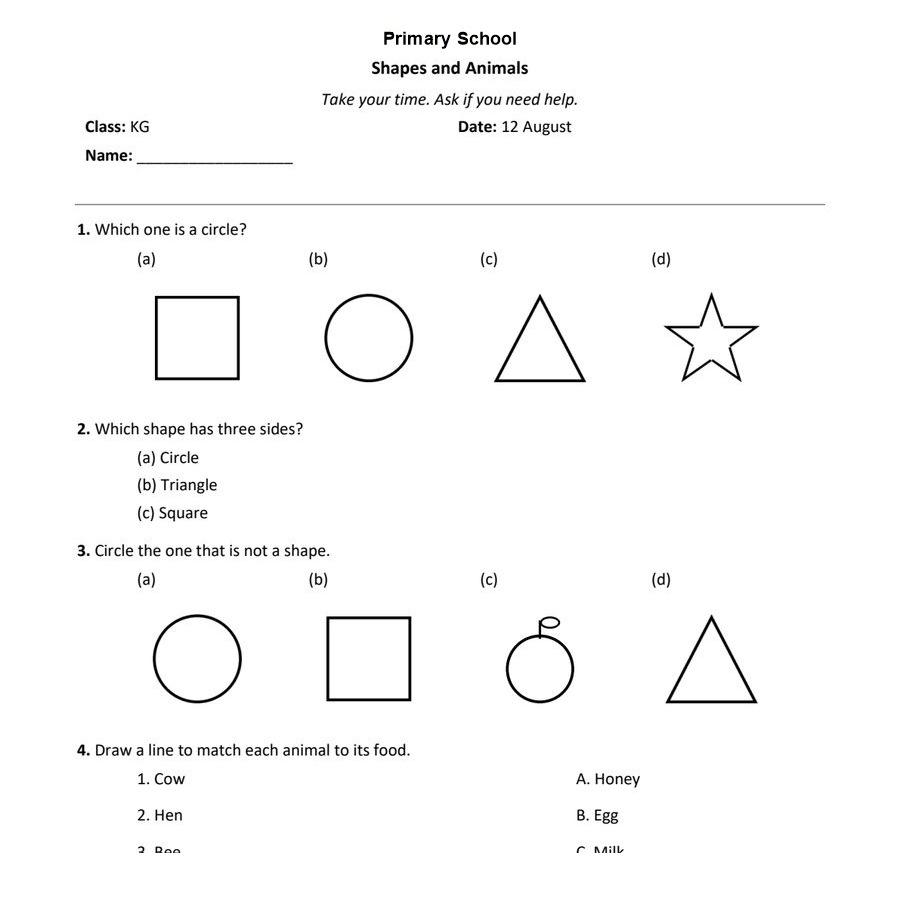
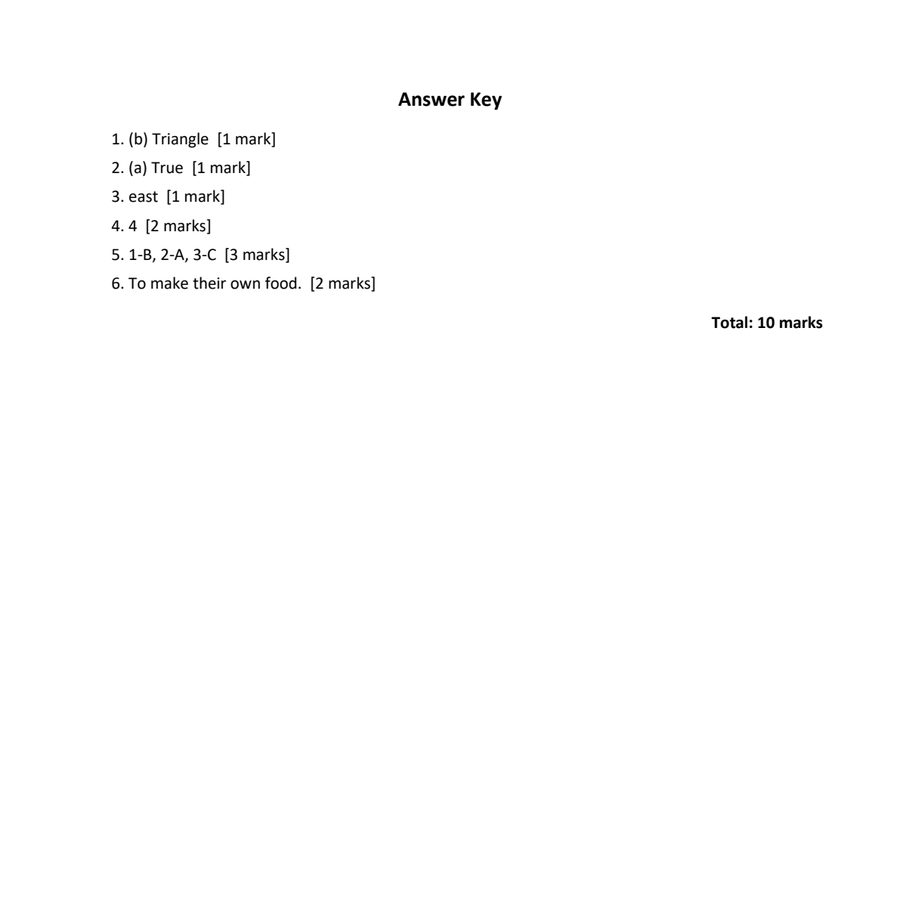
Create, review and prepare papers in one place while the school controls the shared standard.
Pick question types, reuse pictures and arrange the activity while the paper builds beside you.
Send the paper for checking, respond to comments and keep the approved version clear.
Prepare pupil and teacher copies from the same source without rebuilding or reformatting.
School identity stays visible in the workspace, while configurable headers keep every printed paper consistent.
Draft, review and printing stages make ownership clear without adding administrative clutter.
Home, Papers and Pictures live in a compact top bar, leaving the page to the work itself.
Show answers when you need them. Hide them when the paper goes to pupils. Both stay tied to the same questions.
Open TeachCraftAI, choose a question type and start building the paper your class needs.
Sign in